 Download MetaTrader 4 for Windows
 macOS
macOS Android
 Linux
LinuxWindows and macOS: Full Desktop Terminal
The desktop terminal provides the complete local workspace for charts, MQL4 programs, Expert Advisors, MetaEditor, Strategy Tester, profiles, templates and terminal data files.


Desktop, WebTerminal and mobile terminals connect MetaTrader 4 accounts across supported devices
MetaTrader 4 can be accessed through desktop software, WebTerminal and mobile apps. Windows and macOS use local desktop installations, while iPhone, iPad and Android provide mobile access. Each terminal still requires an account login, password and matching broker server before quotes, symbols, positions and trading permissions can load.
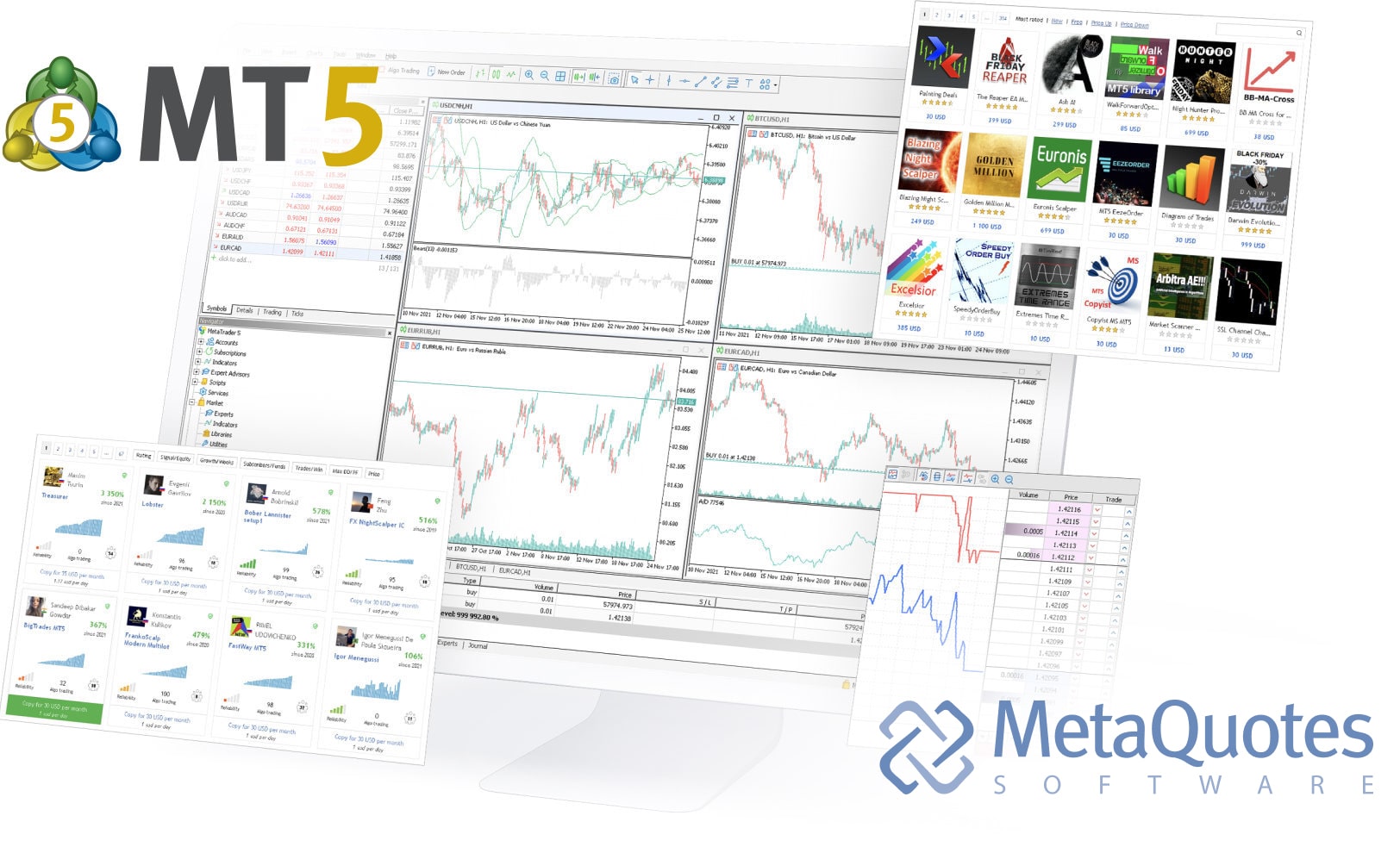
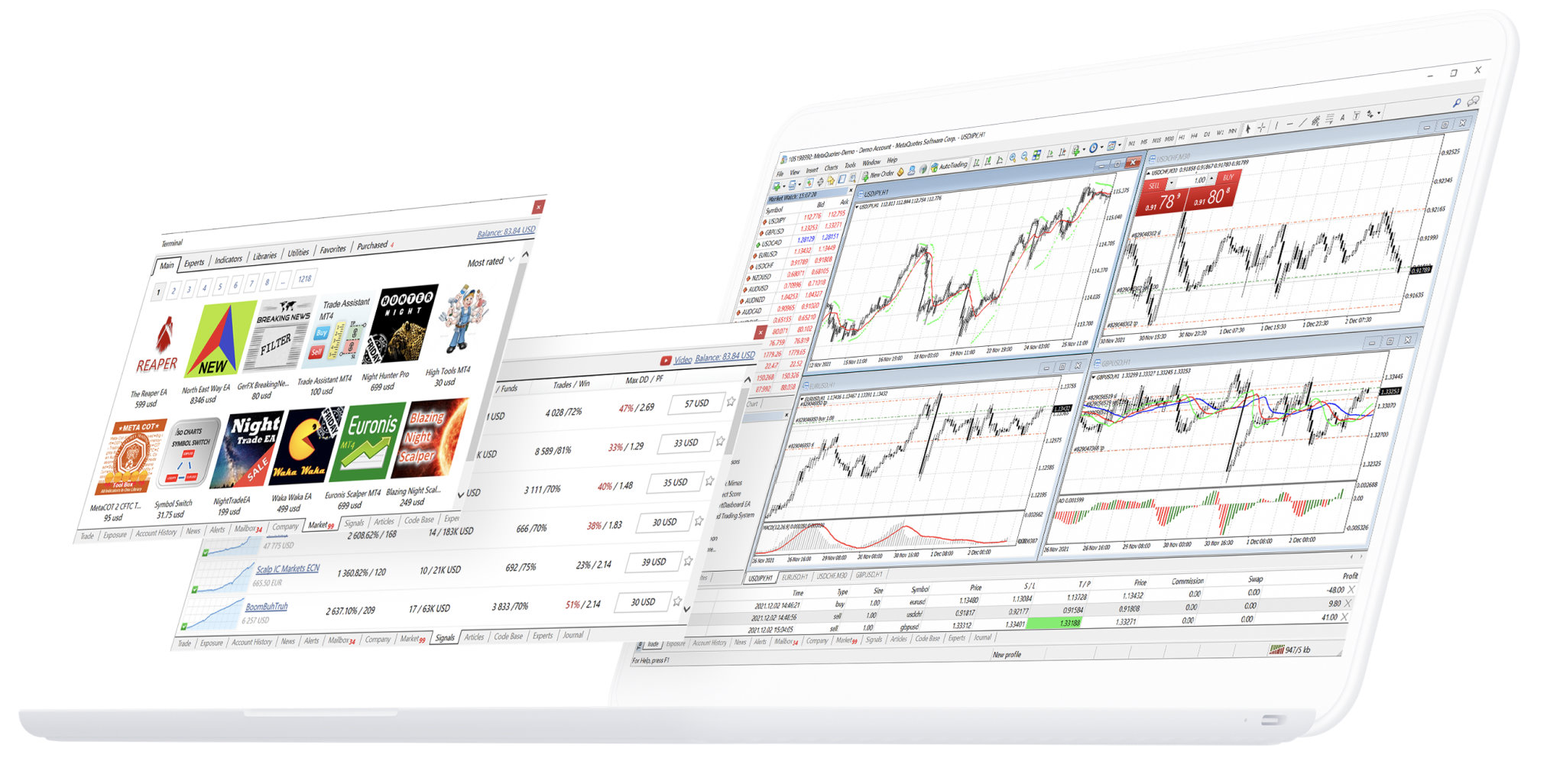
The Windows and macOS packages install the MetaTrader 4 desktop terminal. Desktop includes the full chart workspace, MQL4, Expert Advisors, MetaEditor and Strategy Tester. Installation does not create a trading account; account data appears only after the terminal connects with the correct login, password and broker server.
The iPhone and iPad app connects to an existing MetaTrader 4 account and loads quotes, charts, orders, positions and account status from the selected broker server. The mobile app does not include desktop MQL4 development, Expert Advisor runtime or Strategy Tester.
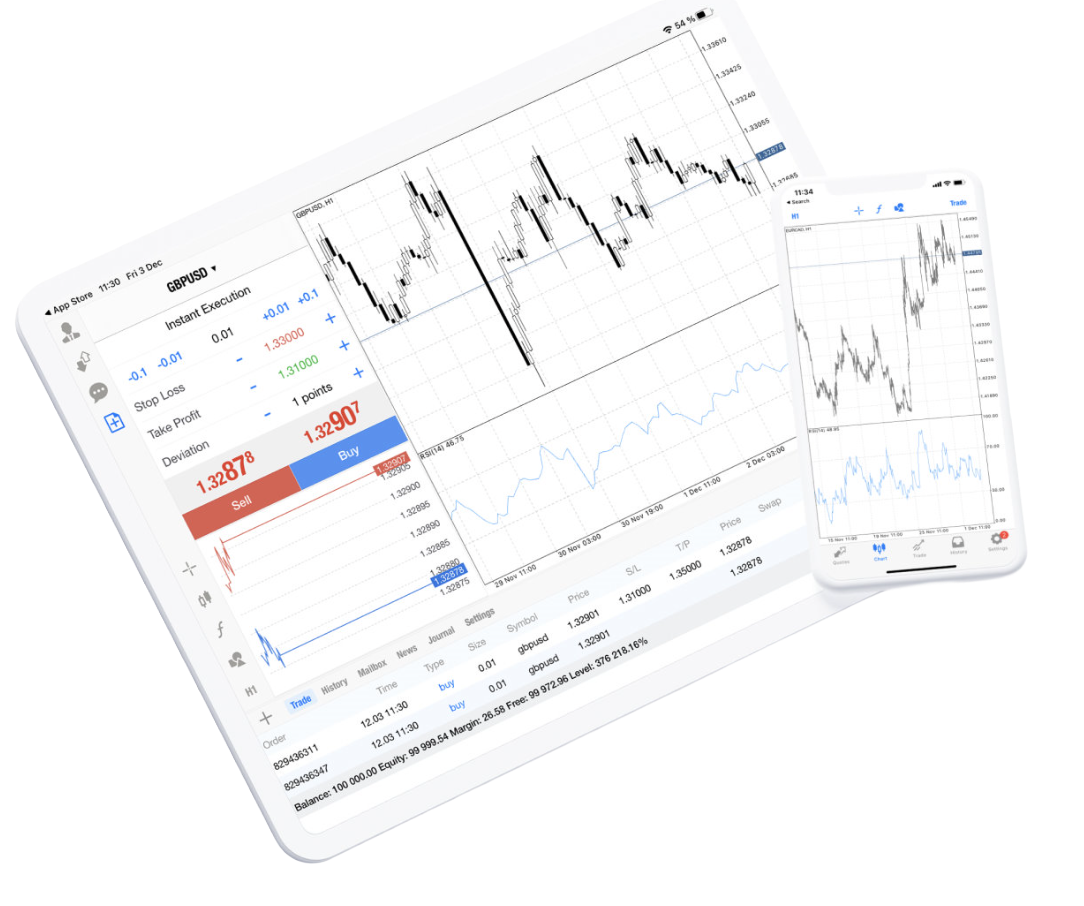
MetaTrader 4 for Android connects supported phones and tablets to an existing trading account. After login, the selected broker server supplies the symbols, quotes, positions, account settings and trading permissions shown in the app.
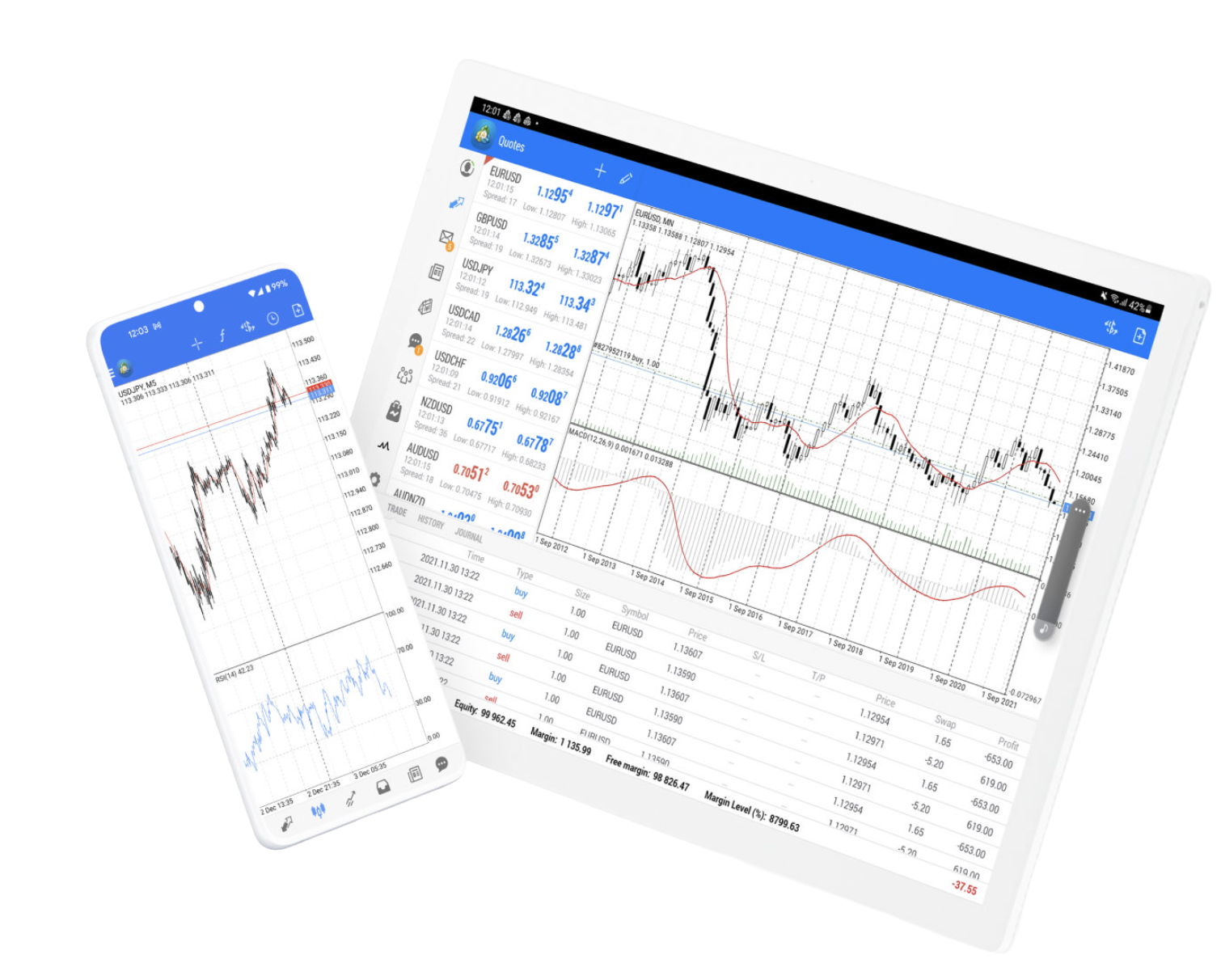
MetaTrader 4 WebTerminal runs in a browser and connects supported accounts without installing the desktop terminal.
WebTerminal uses the account login, password and broker server to load quotes, orders, positions and account data. Browser access does not include the desktop MQL4, Expert Advisor, MetaEditor or Strategy Tester environment, and availability can depend on the connected broker.
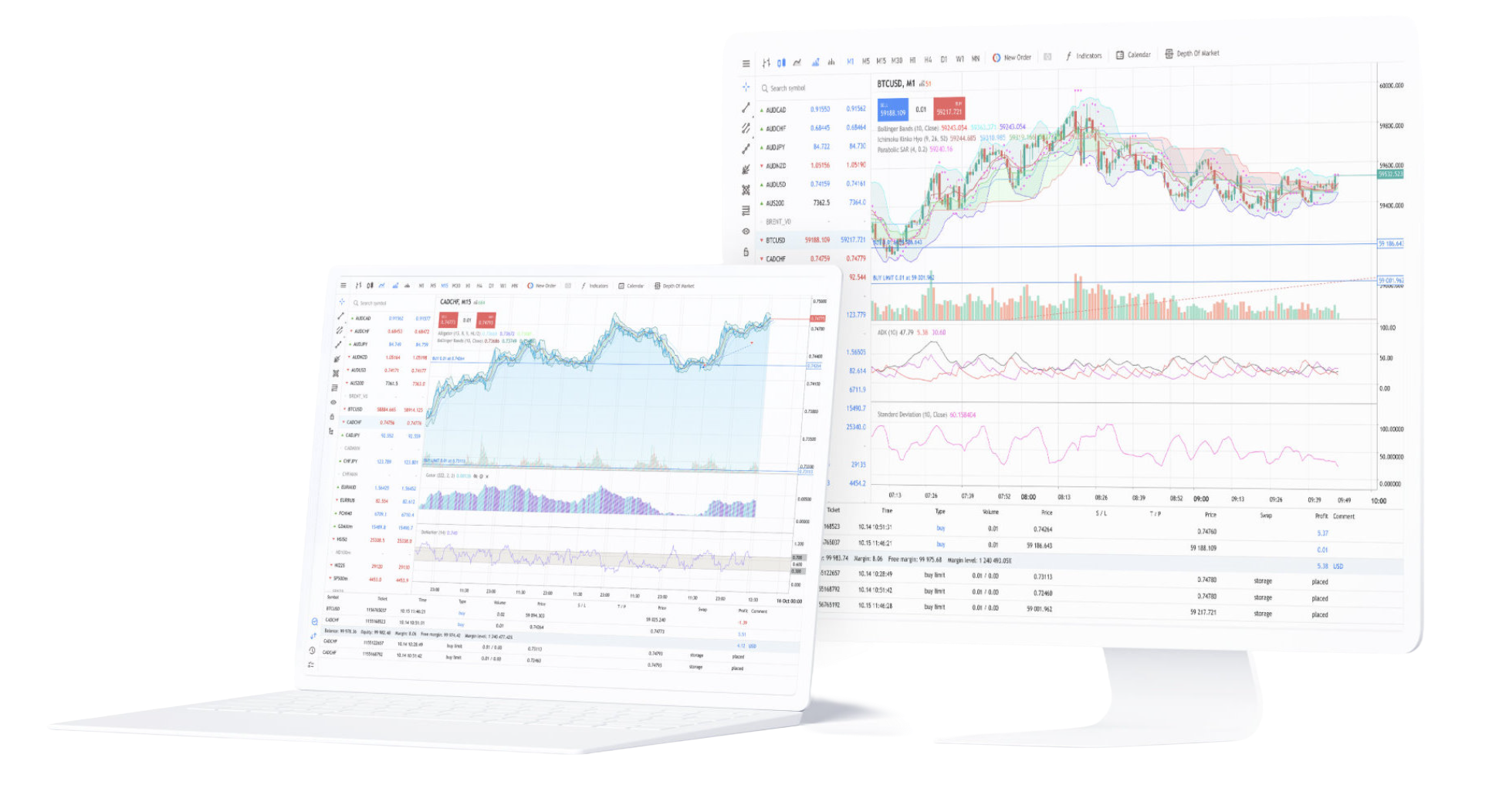
Desktop, WebTerminal and mobile apps connect the same type of broker account but provide different local functions. Desktop includes MQL4, Expert Advisors and Strategy Tester; WebTerminal handles browser-based account access; mobile apps focus on quotes, charts, orders, positions and account monitoring.
The desktop terminal provides the complete local workspace for charts, MQL4 programs, Expert Advisors, MetaEditor, Strategy Tester, profiles, templates and terminal data files.
The iOS and Android apps provide mobile quotes, charts, positions, order management and account status. They do not provide the desktop MQL4 development and Strategy Tester environment.
Windows and macOS use desktop installation packages, Android and iOS use mobile applications, and WebTerminal runs in a browser. Installation only provides the terminal; account quotes and trading data require a broker-server connection.
Install the package that matches the desktop operating system and launch MetaTrader 4. After startup, connect an existing account with its login, password and matching broker server.
WebTerminal runs in a browser and does not require a desktop package. The account still needs a valid login, password, matching broker server and web access supported by that environment.
Install the app for the mobile operating system, then sign in with an existing account and matching server. Once connected, the app loads the symbols, quotes, positions and account data available to that login.
Installing MetaTrader 4 provides the trading software, not the brokerage account. A connection requires the account number, password and matching broker server. The server then supplies the symbols, prices, positions, account status and trading permissions for that login.
Use the login and password assigned to the trading account. After successful authentication, the terminal can load balance, positions, pending orders, history and other data associated with that account.
The server name must match the account environment. A valid account number and password can still fail if the wrong broker server is selected.
After login, confirm that Market Watch quotes, available symbols, balance, positions and history are loading. Spreads, leverage, market hours, symbols and execution conditions come from the connected broker account rather than the MT4 installer.
Answers about desktop, WebTerminal and mobile access, Expert Advisor support, account login and the relationship between the MT4 terminal and broker servers.
MetaTrader 4 provides Windows and macOS desktop terminals, Android and iOS mobile apps, and WebTerminal browser access where supported by the connected broker environment.
The desktop terminal supports MQL4, Expert Advisors, MetaEditor and Strategy Tester. Mobile and browser terminals focus on account access, quotes, charts, orders and positions rather than desktop EA development or testing.
After the macOS terminal is installed, connect an existing account with its login, password and matching broker server. Account data does not come from the installation package itself.
Mobile apps provide quotes, charts, positions, supported order functions and account monitoring. The desktop terminal additionally provides MQL4, Expert Advisors, MetaEditor and Strategy Tester.
No desktop installation is required. WebTerminal runs in a browser, but account access still depends on the login, password and broker server, and web access must be supported by that environment.
MetaTrader 4 is trading software. The broker provides the account, server, symbols, prices and execution conditions, so the terminal needs those credentials before it can load account data or submit trading requests.